


Holiday Sale - 20% off Sitewide
Pebble
Pebble
Effortless Control
Access the subscription-free Brick app on App Store or Google Play Store to block distractions, set 10 custom modes, and track your usage.
Thoughtfully Designed
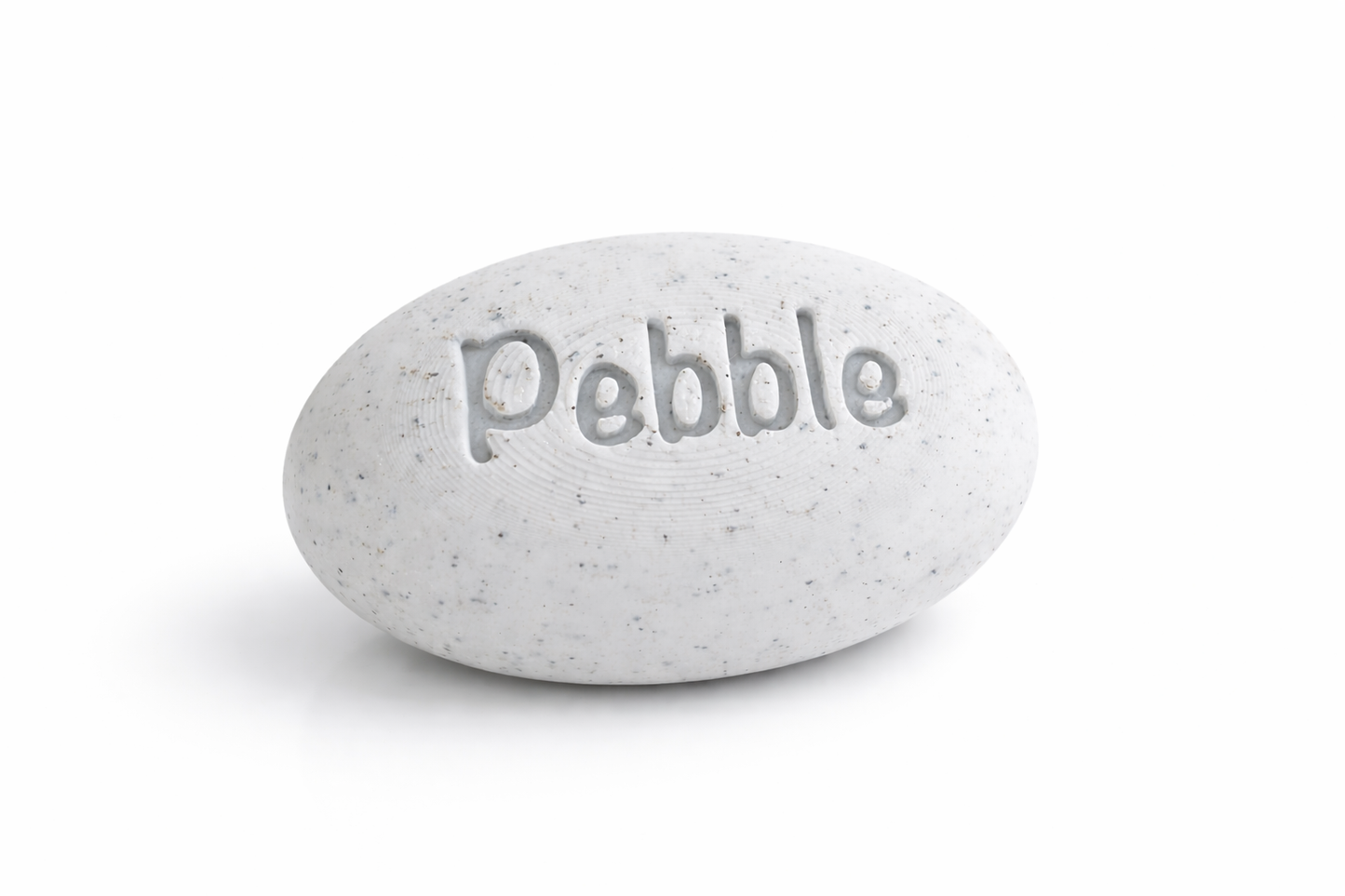
Built with a high-grade magnet and anti-slip silicone for secure placement wherever you need it.
Break free from distractions, stay present, and create balance with a tool designed for living.
BUNDLE & SAVE
Limited Time - Free Shipping on All Prepaid Orders
Couldn't load pickup availability
Pebble


Real benefits of digital wellness
Here is how our users feel when Bricking:
95%+
Less Distracted
Compared to using their phone without Brick
93%+
Better Focus
Since Brickingwhen studying or working
99%+
Reduce Screen Time
Using their phone about 3.1 hours less daily

Open the Brick app and choose which apps or websites you want to block.
Prefer the opposite? You can instead select which apps to keep accessible - all other apps will be blocked.
You can create multiple custom modes for different parts of your day like Work, Family Time, or Study. Each mode has its own set of blocked apps.
Once you’ve selected a mode, tap your phone to the Brick to activate it.
Or, if you're not near your Brick, tap and hold the Brick button in the app to enable Brick Mode from anywhere.
As soon as you're Bricked, a timer starts - helping you track how long you stay focused.
Place your Brick somewhere out of reach.
Because Brick is a physical device - not just an app - it creates real friction.
To unblock your apps, you have to physically return to it, making the decision to reconnect an intentional one.
When you're ready, simply tap your phone to the Brick again to regain access to your apps and websites.
Need emergency access? Each device includes 5 emergency unbricks that you can activate in the app to regain access.
Our app is loaded with features built for you.


Collapsible content
Stone and UnStone
A button in the app triggers the tapping functionality of the Pebble, allowing you to Lock and unlock specific apps on your phone.
Customize Apps / Websites
Choose which apps or websites you'd like to leave unblocked while Bricked to allow access to the specific tools you need.
Schedule Bricking
Automatically Brick your phone at set times each day. Create custom schedules to match your routine and build better habits.
View History
Track how long you’ve spent Bricked each day and your daily average time Bricked.
Remote Bricking
Hold down on the Brick button to Brick your phone from anywhere. You will always need the physical device to unBrick.
trict Mode
Prevent the Brick app from being deleted to fully commit to freedom from distraction.
Unlike Anything You’ve Tried Before

|
Screen Time
|
Flip Phone
|
|
|---|---|---|---|
| Physical barrier | |||
| No bypass | |||
| Custom modes | |||
| Keep essentials | Advanced | ||
| Track focus |
What Our Customers are Saying
FAQ's
How is Brick different from Apple’s Screen Time or Android Digital Wellbeing?
Screen Time and Digital Wellbeing limits are easy to bypass — tap 'skip' and you're back in. Brick creates physical separation, requiring a rescan to exit, which reinforces intention and keeps temptation out of reach.
Can’t I just delete the app or find a workaround?
We’ve been there too, which is why we built Brick with Strict Mode to close the loopholes and prevent deleting the app or changing settings to unbrick.
What’s included with a Brick purchase?
Your purchase includes both the physical Brick and full access to the Brick app — no subscriptions, no extra fees. Buy once, use forever!
Can I use one Brick with multiple phones?
Yes! One Brick can be used with as many phones as you’d like. We are fully cross platform. Similarly, one phone can work with multiple Bricks if you'd like to have one in your home, car, or work!
What happens if I lose my Brick?
Accidents happen — so we offer five Emergency Unbricks in the app that will automatically unblock all apps.
Is my phone compatible with Brick?
Brick currently works with Android devices running version 12.0 or later and iPhones running iOS 16.2 or later.